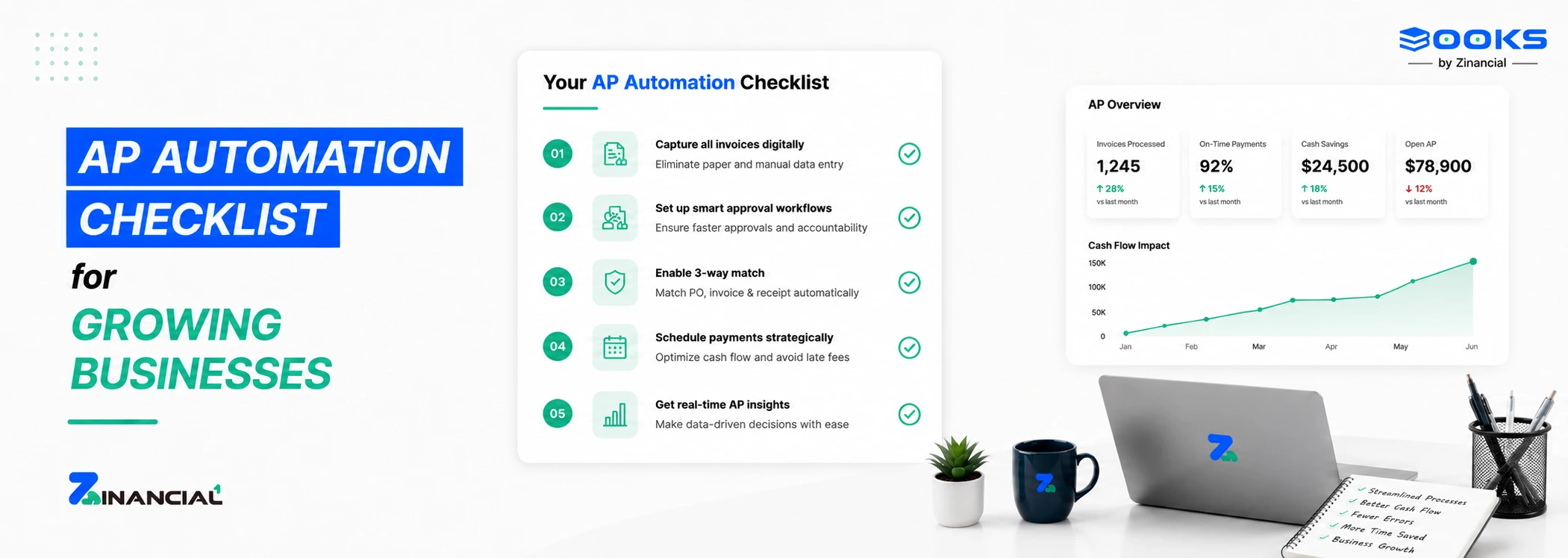
A scalable accounts payable workflow is predictable. Every invoice follows the same path, regardless of who submits it or who approves it. Consistency matters more than speed.
Invoices enter through one intake channel. Validation checks happen before approvals begin. Rules, not reminders, drive routing and escalation.
Here is how manual and structured workflows compare:
| Area |
Manual Workflow |
Automated Workflow |
| Invoice intake |
Multiple inboxes |
Centralized system |
| Data entry |
Manual |
Automated capture |
| Approvals |
Informal |
Rule-based |
| Tracking |
Spreadsheets |
Real-time visibility |
| Audit trail |
Incomplete |
Fully traceable |
This structure holds even as teams expand or roles change. That stability defines a workflow built for growth.
See how a structured AP workflow operates in real teams.
Step 1: Define Ownership Before Automation
Automation fails when ownership is unclear. Tools cannot compensate for missing accountability.
Start by identifying who owns AP policy. This is not the person entering invoices. It is the person responsible for approval rules, escalation logic, and compliance standards.
Ownership prevents exceptions from becoming habits. It ensures someone is accountable when controls break. Deloitte research shows automation delivers value only when governance is clearly defined first.
Without ownership, automation amplifies confusion. This is where teams often benefit from working with partners like Zinancial Books, who help define ownership and governance before introducing automation.
Step 2: Document Approval Thresholds Clearly
Approval delays usually come from uncertainty. People hesitate because rules are unclear.
Define thresholds based on invoice value, vendor type, or risk level. Decide when one approver is enough and when multiple approvals are required. Write these rules down.
Clear thresholds reduce approval fatigue and prevent unnecessary escalations. Automation can enforce rules only after they are defined.
Speak with an AP specialist about structuring approval logic.
Step 3: Set Timing Expectations
Every AP team needs time-based rules which includes that when an invoice should be reviewed, about when the approvals should happen. And when should payments be scheduled.
These are policy decisions, not system settings. Once defined, automation ensures deadlines are met consistently.
PwC reports that finance teams with defined process timelines experience fewer payment delays and stronger vendor relationships. Timing clarity directly affects trust and cash planning.
Step 4: Centralize Invoice Intake
Fragmented intake breaks visibility. If invoices arrive through email, portals, and paper, tracking becomes unreliable.
Centralization means every invoice enters one system. No exceptions. This step is foundational for automation and reporting. PwC’s research shows that organizations average just 6.17 out of 10 on finance automation readiness, underscoring how many AP and related processes are still largely manual.
For scaling teams, especially early-stage ones, this is critical. An AP automation checklist for startups always begins with intake control because everything else depends on it.
Step 5: Automate Data Capture and Validation
Manual data entry introduces errors and delays. Even small mistakes create downstream reconciliation issues.
Automation should extract invoice data and validate it against vendor records. Duplicate invoices, incorrect totals, and missing tax details must be flagged early.
In practice, teams use solutions like Zinancial Books to standardize data capture and validation, ensuring errors are flagged early without adding manual checks.
Step 6: Implement Rule-Based Approval Routing
Approval workflows should follow documented rules, not inbox memory.
Automation routes invoices to the correct approvers based on predefined criteria. Escalations occur automatically when deadlines pass.
This reduces follow-ups and internal friction. It also creates a complete audit trail for every decision.
Explore Zinancial Books approach to structured AP automation.
Step 7: Control Payment Scheduling
Payment automation is not about paying faster. It is about paying intentionally.
Define when payments should be released relative to due dates and cash cycles. Automation ensures payments never bypass approval logic.
Controlled scheduling supports cash flow planning and vendor trust. It turns payables into a predictable function instead of a reactive one.
Step 8: Monitor and Improve Continuously
Automation is not static. You need visibility into cycle times, exceptions, and bottlenecks.
Dashboards and reports highlight where delays occur and why. This allows finance teams to refine rules and thresholds over time.
These feedback loops keep automation aligned with business reality. This final step completes your AP process automation steps.