Financial teams process hundreds of documents every month. Invoices, receipts, bank statements, and expense records often arrive as PDFs or scanned images. Manually typing data from these files slows down accounting operations and increases the risk of errors. This is where OCR in accounting becomes valuable.
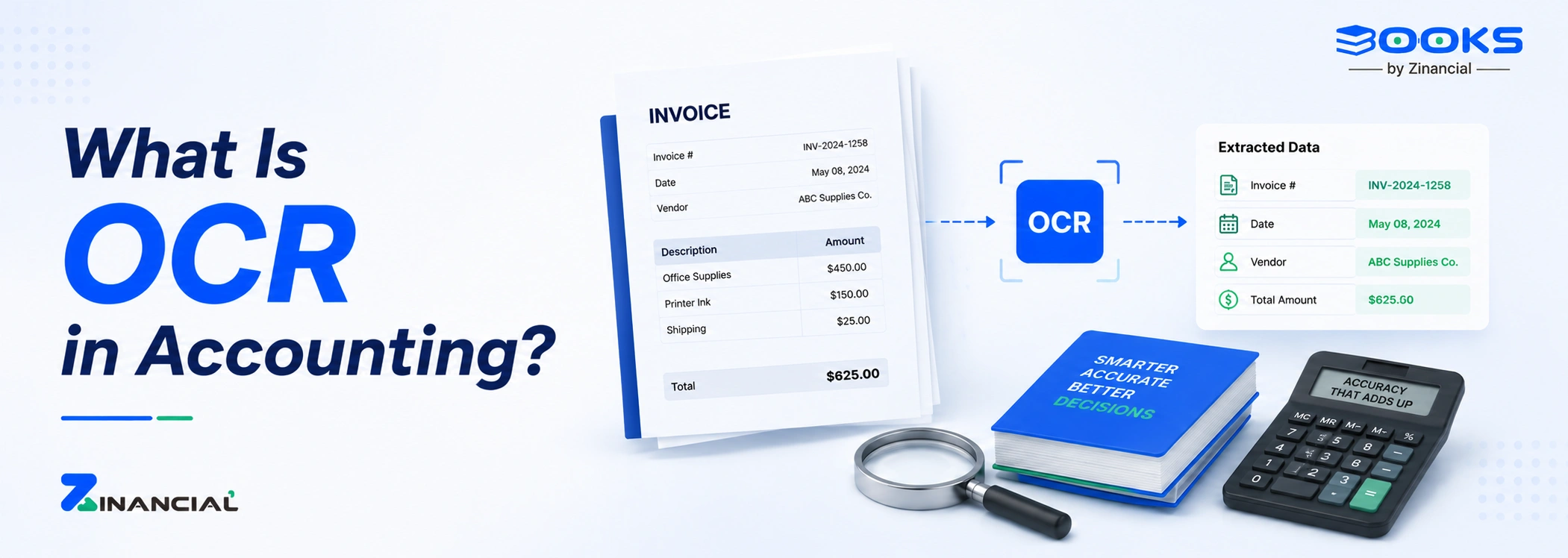
Accounting OCR converts printed or scanned financial documents into structured digital data. Instead of entering numbers line by line, the system extracts details automatically and sends them to your accounting platform.
The result is faster bookkeeping, fewer errors, and better document visibility. More importantly, it helps finance teams handle growing transaction volumes without expanding manual workload.
Understanding how OCR works in accounting helps explain why the technology is widely used in finance automation today. The system follows a series of steps to convert documents into usable accounting data.
1. Document Capture
The process begins when a document is uploaded, scanned, or captured through a camera. This can include invoices, receipts, bank statements, or expense bills.
These files may be PDFs, images, or scanned copies. Once uploaded, the system begins analyzing the document.
2. Image Processing
Before reading the text, the system enhances the document. It adjusts brightness, sharpens text, and removes visual noise. This improves recognition accuracy.
This step is particularly important when documents are scanned from paper or captured through mobile devices.
3. Text Recognition
The OCR engine then identifies characters within the document. It converts printed or typed text into digital characters that a computer system can understand.
At this stage, the document stops being just an image and becomes structured text.
4. Data Extraction
Once the text is identified, the system extracts important financial fields. For example:
- Invoice number
- Invoice date
- Vendor name
- Line items
- Total amount
- Tax details
This step is the core function of invoice OCR, which focuses specifically on extracting invoice data.
5. Accounting System Integration
Finally, the extracted information is sent directly into the accounting platform. Instead of manually entering transaction details, the system automatically populates records.
When integrated with tools like Zinancial Books, accounting OCR allows financial data to move from documents to accounting entries instantly.
Finance leaders are increasingly prioritizing digital transformation. A CFO Signals survey by Deloitte found that 50% of CFOs consider digital transformation of the finance function their top priority.
Key Applications of Accounting OCR
The value of accounting OCR becomes clear when you look at how finance teams use it across daily workflows. The technology supports multiple accounting functions where documents are heavily involved.
According to research from PwC, 73% of CFOs say digitalization of the finance function is now a top priority, reflecting the growing demand for automation tools like accounting OCR.
Invoice Processing (Accounts Payable and Receivable)
One of the most common uses of invoice OCR is invoice processing.
Vendor invoices are scanned and processed automatically. The system extracts billing details and sends them directly to accounts payable workflows.
Similarly, customer invoices can be digitized for accounts receivable tracking.
This automation significantly accelerates the procure-to-pay and order-to-cash cycles.
Expense Management
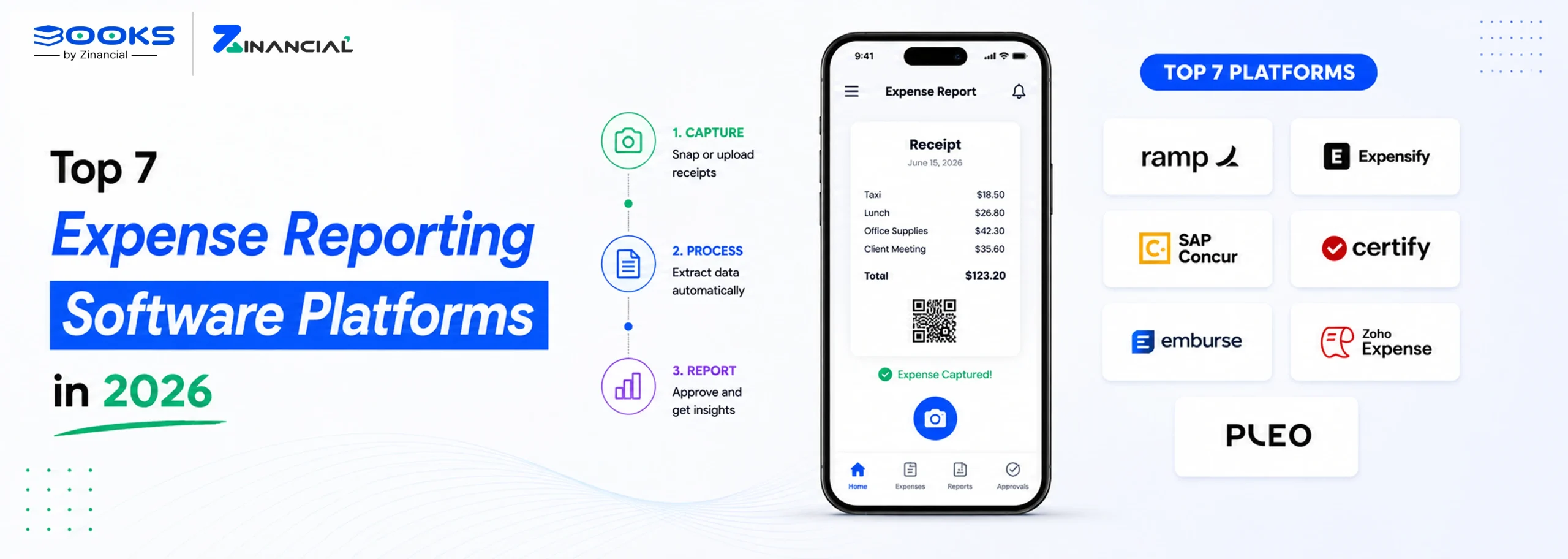
Employees often submit receipts for reimbursements. Instead of manually entering each receipt, accounting OCR extracts the expense details automatically.
Amounts, vendor names, and transaction dates are captured instantly. This reduces manual work for finance teams and speeds up reimbursements.
Bank Statement Processing
Bank statements received as PDFs can also be processed using OCR. The system converts transactions into structured financial data.
This makes bank reconciliation faster and more accurate.
Vendor and Document Records
Through document digitization, businesses can convert physical documents into searchable digital records.
Vendor contracts, tax documents, and purchase orders can all be stored and indexed digitally. Accountants can retrieve these documents quickly whenever needed.